Figgy
Context-aware component suggestions in Figma.
Overview
Figgy was a 1 day Generative UI/UX Hackathon project thinking about different ways to implement generative UIs that adapt to user actions, hosted by Fractal Tech.
Design Engineer
1 day hackathon, January 2025
Team of 3
Our Iterations
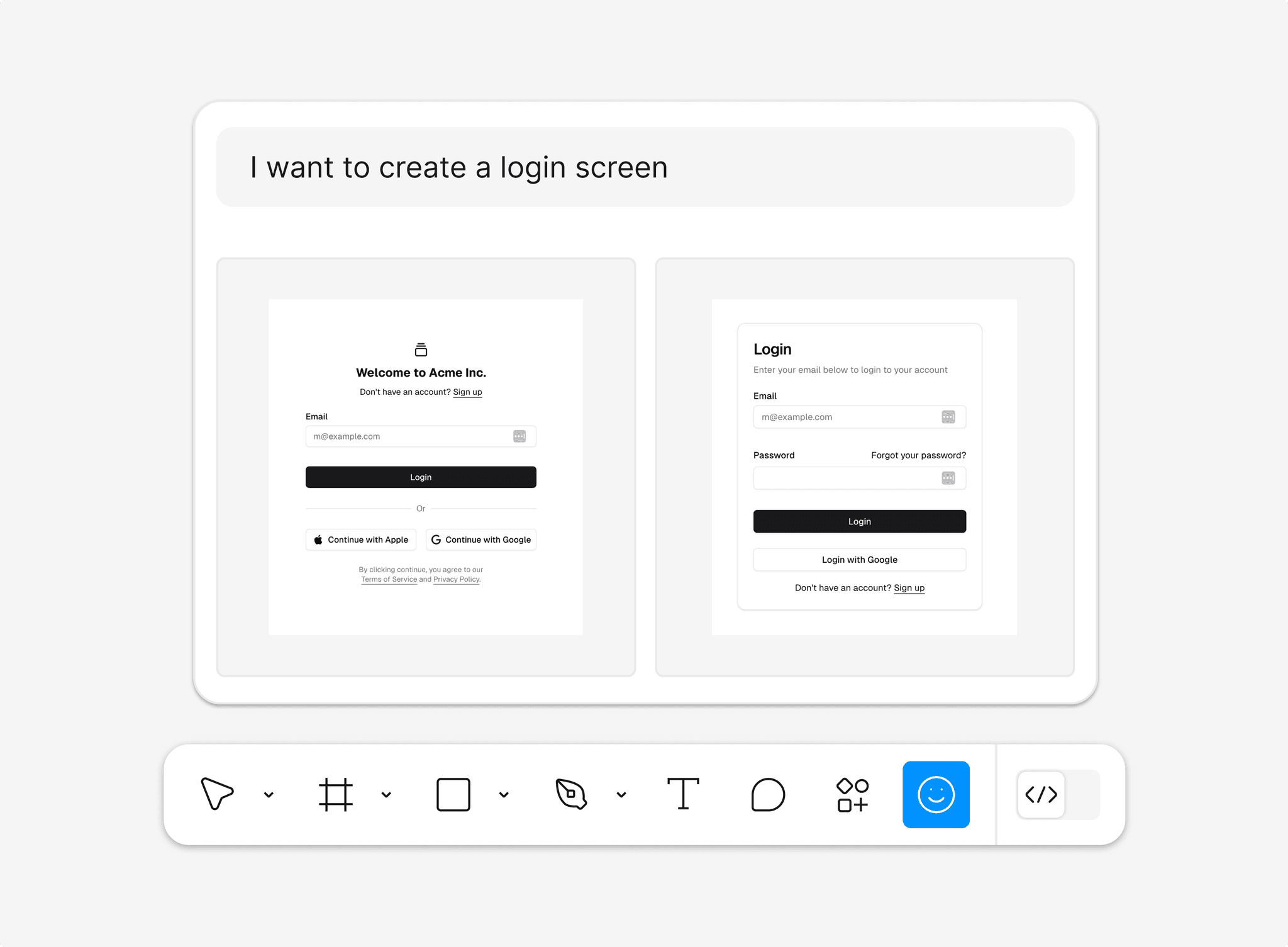
We first explored a prompt-based AI assistant that generated wireframes on demand, but it didn't learn from or adapt to how designers actually work.
However, we quickly decided to focus on a more context-aware approach, where the AI collaborates contextually in real time like a partner, not a vending machine like most existing AI tools.
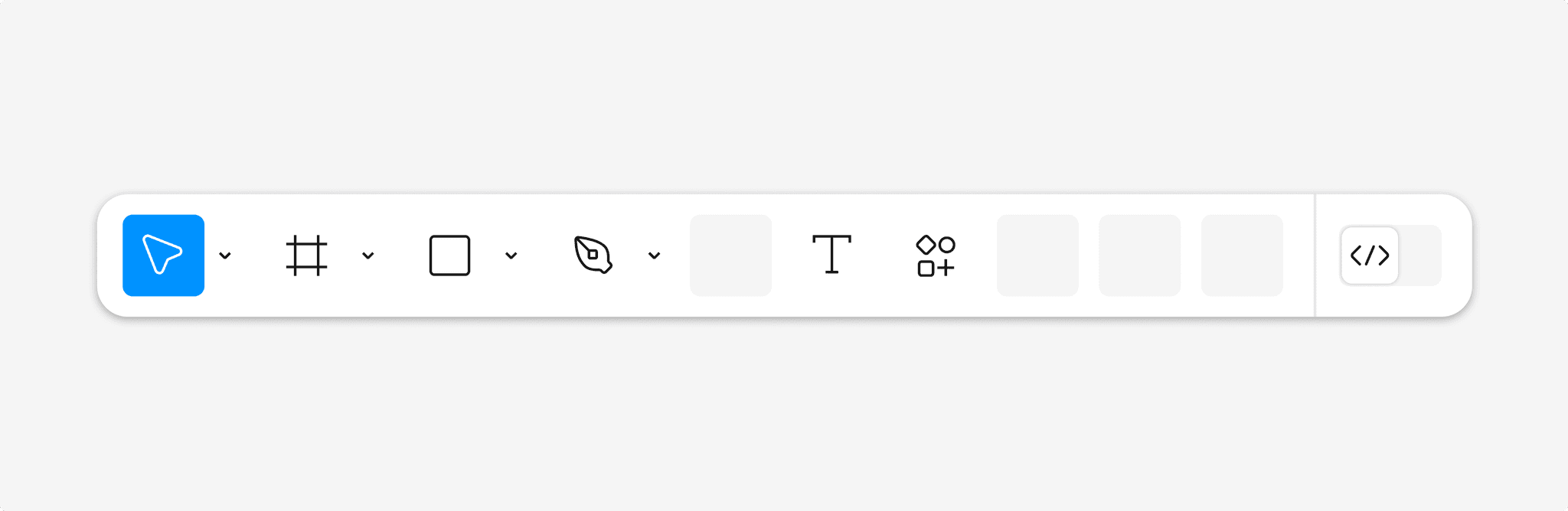
We next considered a behavior-driven toolbar that could learn from each designer's workflow, promoting commonly used tools and minimizing the rest. But we didn't have a clear way to measure usage context, and without the amount of user data needed, we decided not to pursue this direction.
However, this iteration shifted our focus from chat-like AI interactions toward subtle, adaptive support naturally woven into the design process.
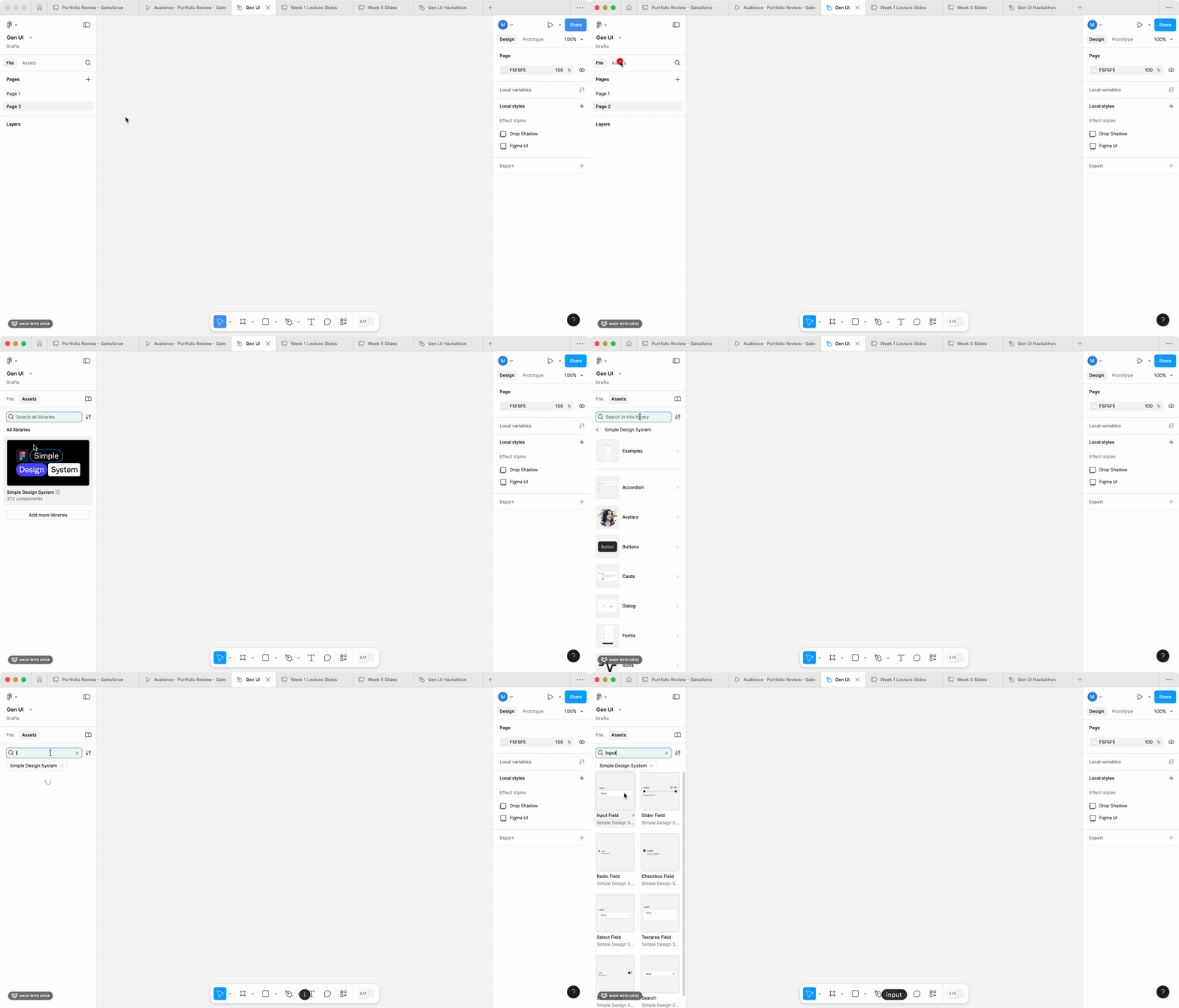
While ideating, we were using assets from the Figma Design System, and realized how inefficient it was to go through your assets, search for what component you need, and add it to your design.
We wanted to limit the friction for this process and reduce the amount of clicks the user goes through to get a desired component.
What if Figma could dynamically generate components for you while designing?
Introducing Figgy!
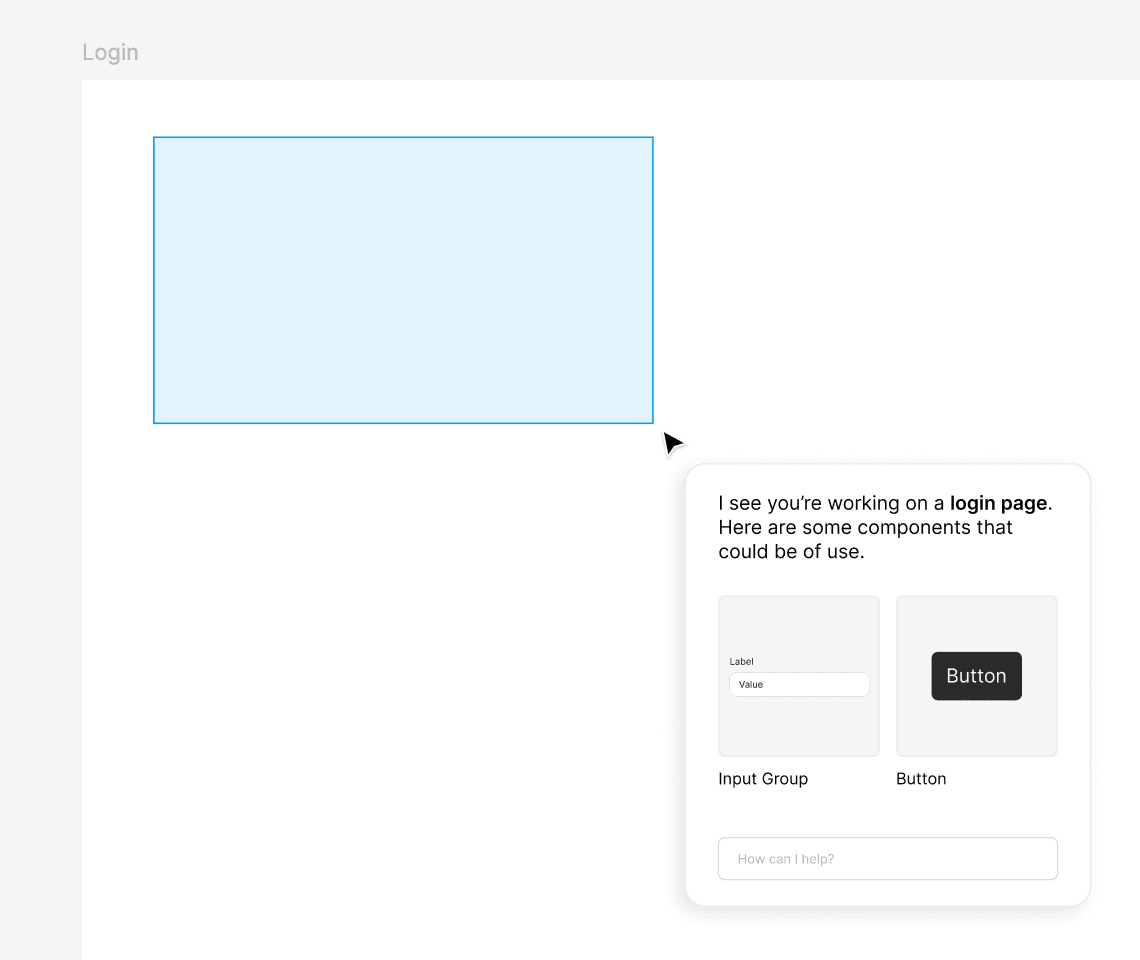
A Figma agent that will recommend UI components from your design system based on the current context and common design patterns.
How this works
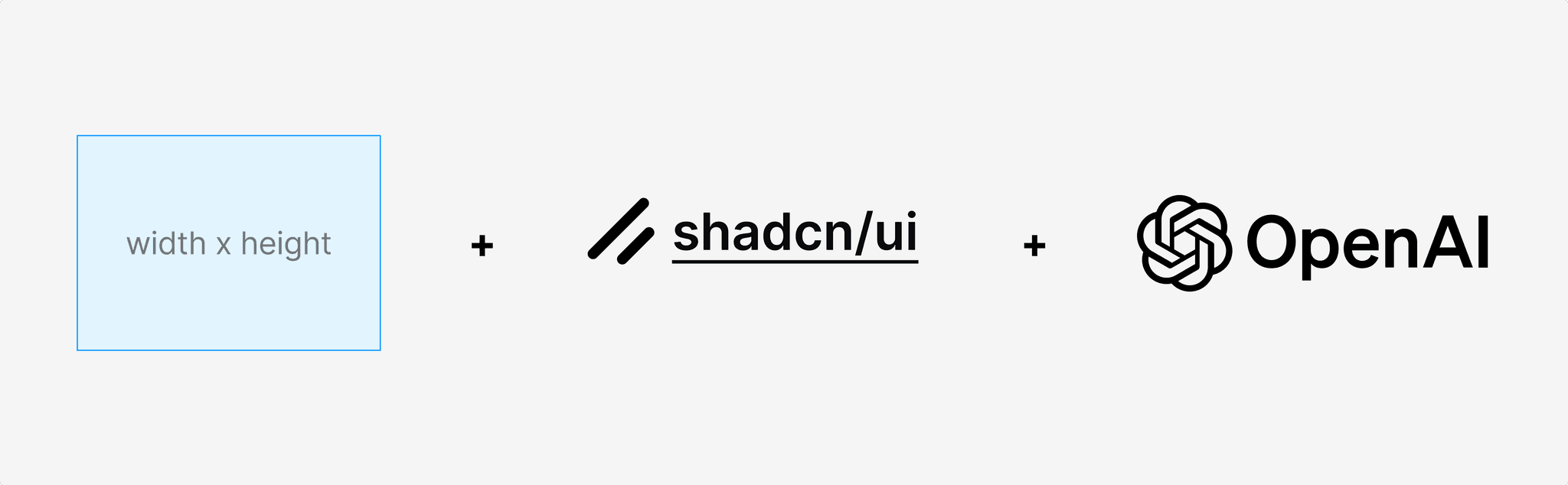
Figgy takes the the width and height of the selected frame, compares it against components in the shadcn component library, and then uses openAI to suggest the component that best fits the context.

Big selection area

Small selection area
What's next?
Since this was a 1 day hackathon project, there are a lot of things that could be improved. For example, adding more context, such as the name of the frame, other components that are already in the design, or cursor position, etc.
It could be interesting to see this as a Figma plugin that can be used by anyone, working with you in the background as a live assistant.
However, this could get really annoying over time, so I would've loved to think through the UX of this to make it more subtle and less intrusive.
Overall, this was a really fun project thinking about generative UIs and it was really cool to see what we could get done in 1 day
all projects